
How the 2027 Chevrolet Bolt’s Google built-in and dual-screen layout streamline Montclair, CA drives
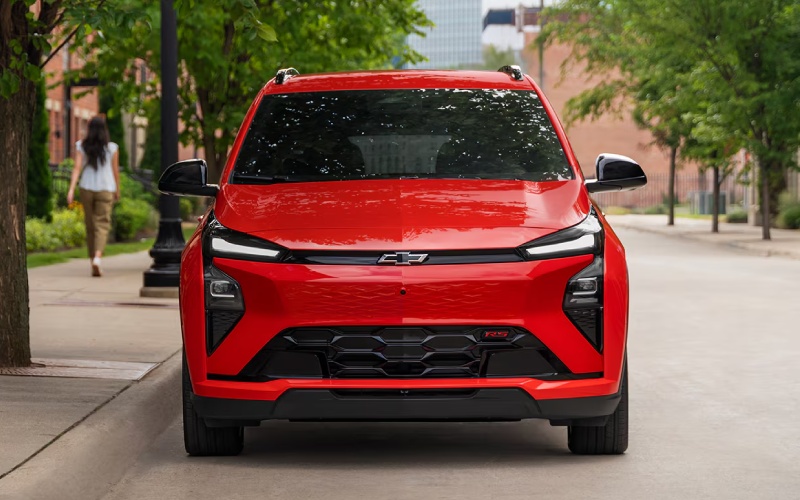
Orel Hershiser Chevrolet – How the 2027 Chevrolet Bolt’s Google built-in and dual-screen layout streamline Montclair, CA drives
When you spend a lot of time around Holt Boulevard or merging onto the 10 near Montclair, a vehicle’s cabin tech can make the difference between a smooth day and a distracted one. That is where the 2027 Chevrolet Bolt shines. The redesigned interior pairs an 11.3-inch central touchscreen with an 11-inch Driver Information Center, then layers Google built-in on top so you can say “Hey Google” and get what you need — fast. Directions, calls, calendars, and music become hands-free tasks, and the information you actually care about is easy to see at a glance.
The beauty of this setup is how it reduces cognitive load. Instead of jumping between screens or drilling into deep menus, you get a modern, clean layout, precise voice controls, and responsive touch performance. For Montclair drivers juggling a morning drop-off near Ramona Avenue and an afternoon sprint along Central Avenue, that kind of simplicity doesn’t just feel premium — it makes everyday driving calmer.
Below, we break down what the Bolt’s tech does especially well in and around Montclair, and how to set it up so you are getting the most from day one.
Why the 11.3-inch touchscreen and 11-inch Driver Information Center matter
Two large displays mean less compromise. The 11.3-inch touchscreen puts your map, media, and settings in one expansive, easy-to-reach view. Meanwhile, the 11-inch Driver Information Center keeps your speed, range estimate, turn-by-turn prompts, and driver-assistance cues directly in your sightline. You do not have to choose between seeing your route or monitoring your remaining miles — you see both, clearly, all the time.
This dual-screen approach is particularly helpful on I-10 and surface streets around Montclair Plaza, where quick decisions are routine. With critical info up front and supporting info to the side, you spend less time searching and more time simply driving.
Google built-in — the hands-free difference
Google built-in turns the cabin into an extension of your digital life. Your Google Assistant can set reminders, send messages, or find a late-night bite along Mission Boulevard with just your voice. Ask for alternate routes when traffic tightens near the 57 interchange, and your map updates without a tap. Request a specific playlist, and your music starts while your hands stay on the wheel and your eyes remain on the road.
The payoff is subtle but steady. The less you poke at screens, the more relaxed you feel — especially in stop-and-go traffic. Over time, that can make your entire commute feel different.
Set it up right — quick tips for day one
- Sign in first: Link your Google account to sync contacts, calendars, and preferences quickly
- Customize tiles: Arrange your most-used apps on the 11.3-inch screen for fewer taps
- Voice shortcuts: Teach Google Assistant nicknames for common destinations like “gym” or “home”
- Audio balance: Adjust volume and sound profiles so voice prompts are clear over music
- Driver profiles: Create separate profiles so each driver’s layout and settings appear automatically
These small steps go a long way toward making the Bolt feel tailored, not generic. You will notice fewer scrolls, fewer taps, and more done with a simple voice command.
Charging info you can trust at a glance
The 2027 Bolt’s displays make EV information intentionally clear. Real-time range estimates on the Driver Information Center adjust with your driving conditions, and charging screens on the central display simplify planning a quick top-up. With the standard NACS charge port, finding compatible public stations — including many Tesla Superchargers — around Montclair and neighboring cities becomes easier, and the Bolt’s interface helps you visualize how far your current charge will comfortably take you.
This matters most when you are deciding whether to stop now or later. If a brief DC Fast Charging session fits between errands on Central Avenue and a run to nearby Claremont, the Bolt’s cues make the choice straightforward.
Comfort features that support the tech
It is not just the screens that stand out; it is how the interior supports your routine. Available wireless phone charging keeps your device topped up during back-to-back stops. Evotex seating — standard on RS and available on LT — is durable and soft, an upgrade you will appreciate during longer drives. Multi-color ambient lighting, available on RS, helps the cabin feel welcoming at dawn and relaxing after a late shift.
Even the redesigned console is practical. The bigger cupholders accommodate your insulated water bottle or morning coffee, which somehow always becomes a daily sanity-saver when you are crossing town more than once.
Frequently Asked Questions:
How do I get Google built-in to recognize my voice consistently?
After signing in with your Google account, complete the voice training steps in settings. Speak naturally in a quiet cabin, and consider repeating the training if you make significant changes to your audio setup later.
Can I see turn-by-turn directions in the Driver Information Center while using the 11.3-inch map?
Yes. The 11-inch Driver Information Center can show next-turn prompts and guidance while the 11.3-inch screen displays the full map, reducing the need to look away from the road.
Is wireless charging standard?
Wireless phone charging is available. If you want a cable-free setup in your Bolt, check your chosen trim and package content when building or shopping inventory.
How does the standard NACS charge port help around Montclair?
With NACS, the Bolt is compatible with a broad network of public chargers, including many Tesla Superchargers. That means more convenient fast-charging options near Montclair, Upland, Ontario, and beyond.
For Montclair-area drivers, the 2027 Chevrolet Bolt’s combination of dual large screens and Google built-in makes busy days feel less busy. The cabin’s layout helps you find what you need quickly, while thoughtful touches — from wireless charging to Evotex seating — make the space comfortable every mile. Add the practicality of the standard NACS charge port and the confidence of driver assistance features designed for real-world driving, and you have an EV that feels simply easy to live with.
We are committed to helping drivers make the most of their in-cabin tech and charging options, and our team is happy to walk you through setup details in person. Orel Hershiser Chevrolet is proudly serving Upland, Ontario, and Montclair, and we are ready to help you get hands-on with the 2027 Bolt’s features so your first week feels as seamless as your first drive.
0 comment(s) so far on How the 2027 Chevrolet Bolt’s Google built-in and dual-screen layout streamline Montclair, CA drives